Portable Sunmi Touch Screen EPOS Bundle - No Ongoing Charges

- 1+
- £630.00£525.00
- Description
- Features
- Videos
- Downloads
No monthly fee or contracts to use the base Loyverse software.
Premium features are available to subscribe to, but completely optional.
Add as many addition devices as required; standard terminals, or handhelds for table service/mobile users.
Sync data accross devices automatically, and access shared tickets or tables accross all devices.
Continue to make sales and work with shifts even when internet connection is unavailable.
Sales are stored locally and syncronised when connection becomes available.
Some features will NOT work without a connection, such as refunds, adding new items and others.
Choose to print kitchen tickets directly from the receipt printer, or add a network printer to allow printing from all your devices directly in the kitchen.
Access realtime reports, update settings and add new products and prices using the Loyverse back office portal.
Access the portal from anywhere with a web browser and an internet connection.
Loyverse provides the ability to integrate with the following card readers.
This device supports:
🗸 Sumup
🗸 Zettle
🗸 Teya (COMING SOON)
HARDWARE

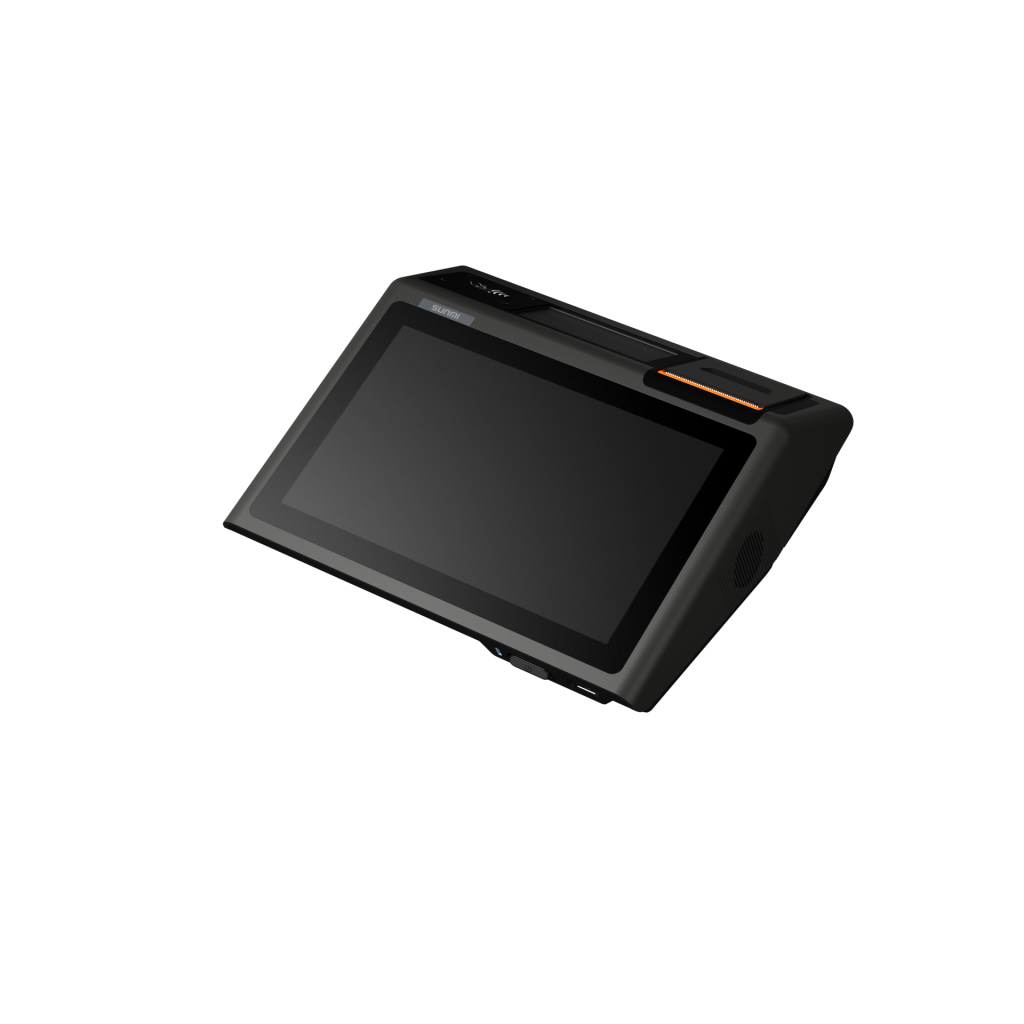
Designed by international master David Protet, D2 MINI is born with a compact horizontal body covered by elegant black and gray, which caters to your store's aesthetic taste.
| Display | 10.1" 1280*800, 10 point touch |
| OS | Sunmi OS (Android 8.1) |
| CPU | Quad-core |
| RAM | 2GB |
| Storage | 8GB ROM |
| Ports | 5*USB | 1*RJ11 Drawer | 1*Ethernet | 1*Power | 1*3.5mm Audio | 1*TF Card |
| Connectivity | Wifi | Ethernet | Bluetooth |
| Other | 4.3" Customer Display (replicates operator display) |

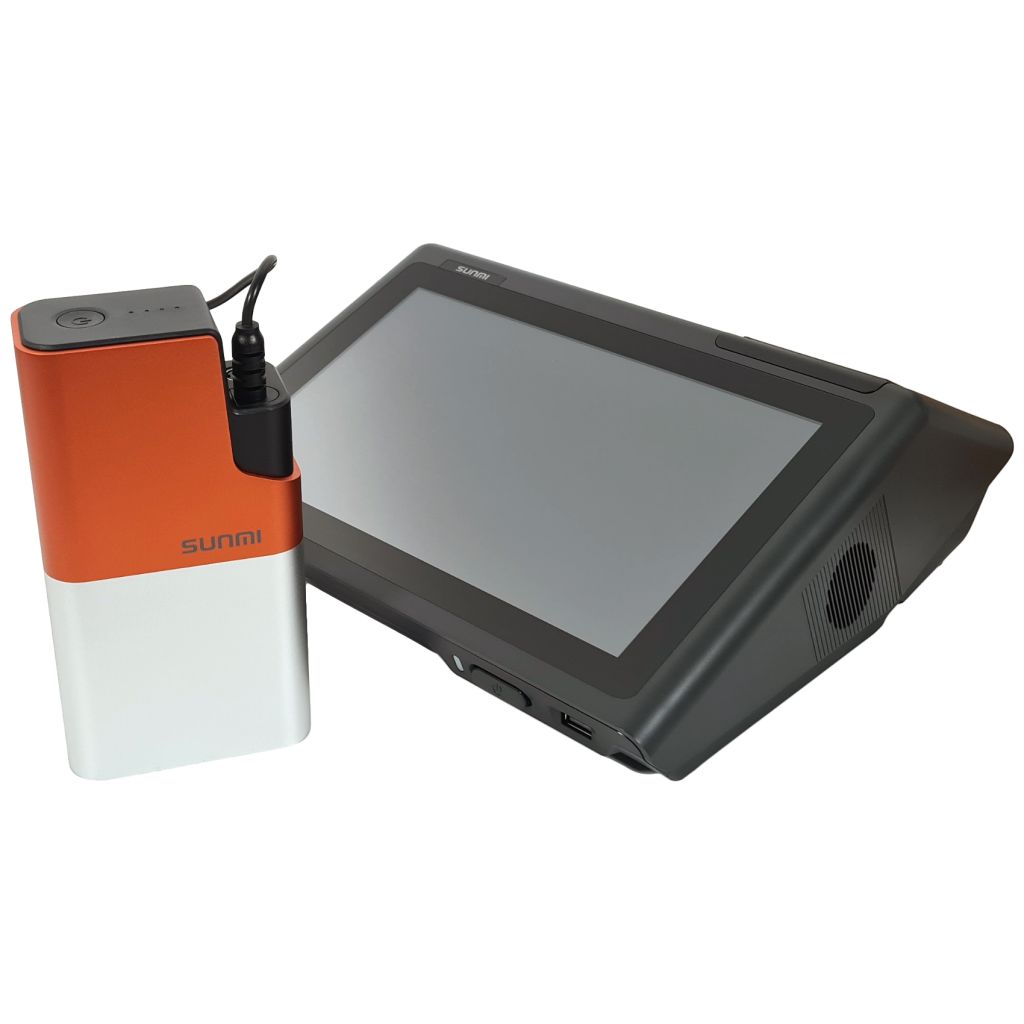
Save your business from annoyance caused by electricity.
| Cell Type | Li-Ion Battery |
| Indicators | Light & Alarm |
| Run Time | Approx. 13h |
| Cutter | Tear off |
The above data is from tests conducted by SUNMI Lab. Actual results may vary based on individual condition.

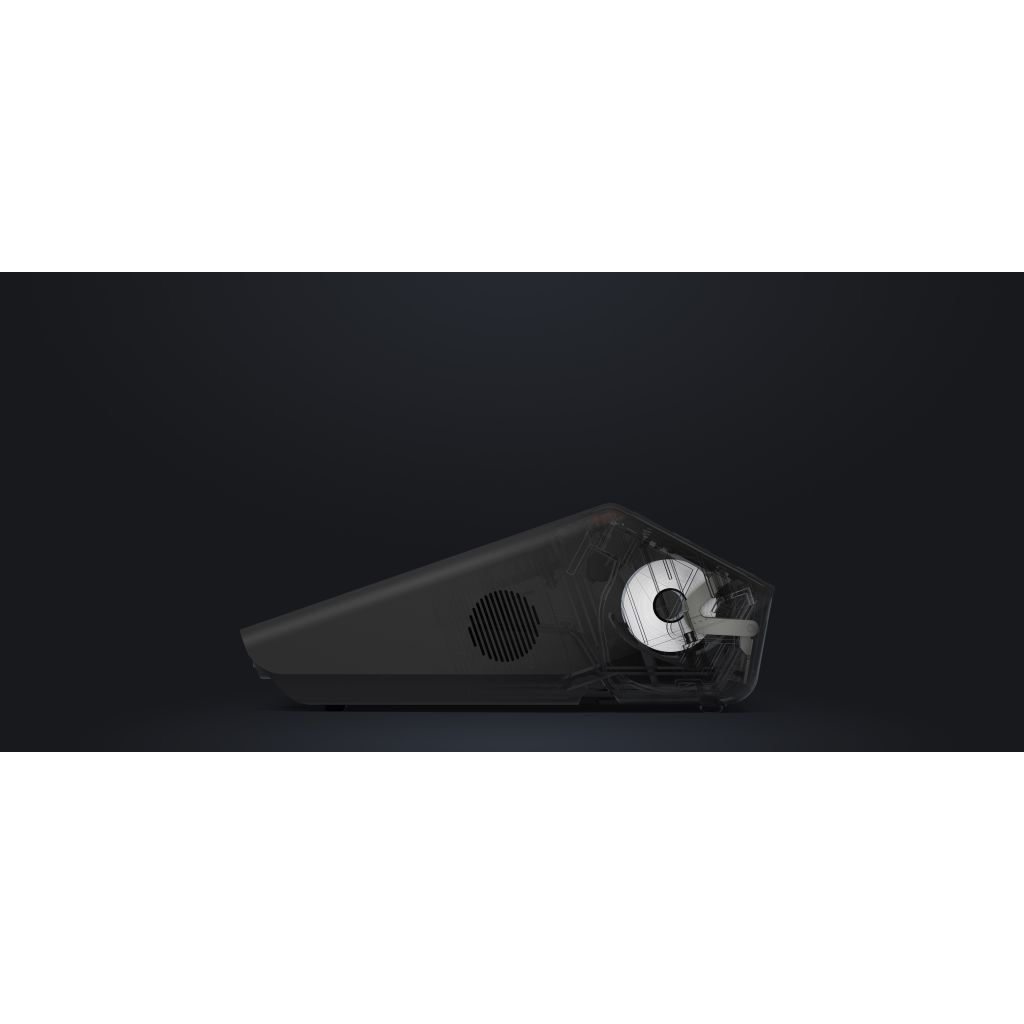
With a Japanese Seiko printer equipped, D2 Mini can print at a high speed without any paper jam.
| Paper Width | 57mm |
| Diameter | 57mm |
| Speed | Maximum 160mm/s |
| Cutter | Tear off |

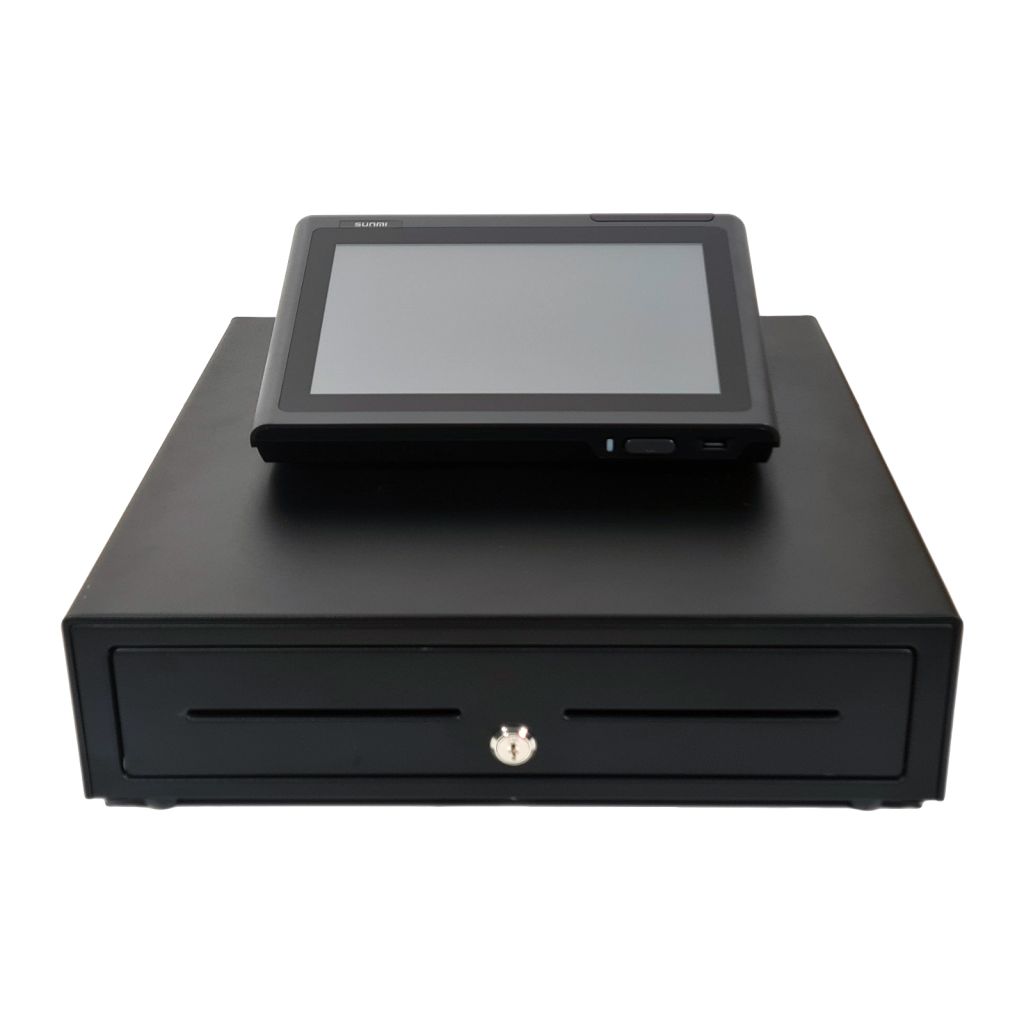
To ensure your space requirement are met, we have offered multiple cash drawers for selection with this bundle, selectable from the dropdown before adding to cart.
| Large | 410mm*410mm | 8 Coins | 4 Notes | Automatic |
| Small | 330mm*330mm | 8 Coins | 3 Notes | Automatic |
| Flip Top | 460mm*170mm | 8 Coins | 4 Notes | Automatic |
| Manual | 410mm*410mm | 8 Coins | 4 Notes | Push Open |
If drawer option dropdown not available, call to change your drawer type after placing order
SOFTWARE

No monthly fee or contracts to use the base Loyverse software.
Premium features are available to subscribe to, but completely optional.
Loyverse has no limit on the number of items added to the account.
Set up your items in the back office, or directly on the POS device. Add images to your products to improve accuracy and speed of sale.
Products can be set up for any environment:
- Add barcoded products or sell by weight for retail.
- Add modifiers and notes for hospitality.

Sell from multiple devices and stores under a single account.
Settings and product data will automatically synchronise to to the device. Stored tickets and tables are accessible accross all devices in a store
Simply add a POS device in the back office, download the application from the Google or Apple store, then sign in with your account credentials.

Create unlimited manual tenders for cash, card, cheque and more.
Integrate your card reader (see PAYMENT INTEGRATION above for compatible readers) or just press the CARD button when using a stand alone card reader.

Make sales with weak or unstable internet.
Data will be stored locally, then automatically synced once the connection is restored.

Save current transaction to a ticket, sometimes refered to as a tab or table.
Reopen the ticket to add more items when convenient.
Customer can pay the final bill when ready.
Open tickets can be split in to separate orders for payment.

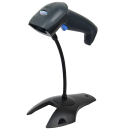
Connect a USB barcode scanner to your device and set up products with barcodes.
Once a product is set up with a barcode, simply scan the barcode on the sale screen to sell the product.

It is possible to install the Loyverse Customer Display application on a tablet or phone.
Connect the tablet or phone to your current network to act as an interactive customer display.

Set up a network printer or separate tablet in your kitchen to inform your kitchen staff what to prepare.
Choose which categories are sent to the kitchen, so only the required items are displayed / printed.

Apply different taxes depending on whether the customer is eating in or taking out.

Visit the app marketplace to see all the available integrations currently available.
Integrations are supported by the integration provider.

Shift reports allow you to print out an end of day report from the receipt printer.
View reporting in the back office portal on financial, itemised, categorised and more.
Reporting has 31 days history, which can be upgraded to unlimited and exportable via the premium subscription.

Access your settings and reports from anywhere.
Log in to the back office from any device with a browser and an internet connection.
View live report information to see how the day is currently progressing.
Add new products or update existing, which will be synced to all sales devices when performing a new sale.
Many more options available.

Register a free Loyverse account today to enable you access to the back office, create products and adjust settings.
Once you have created an account, you can download the Loyverse POS app on your phone to see how the software works.